
Platform
The challenge
Key features
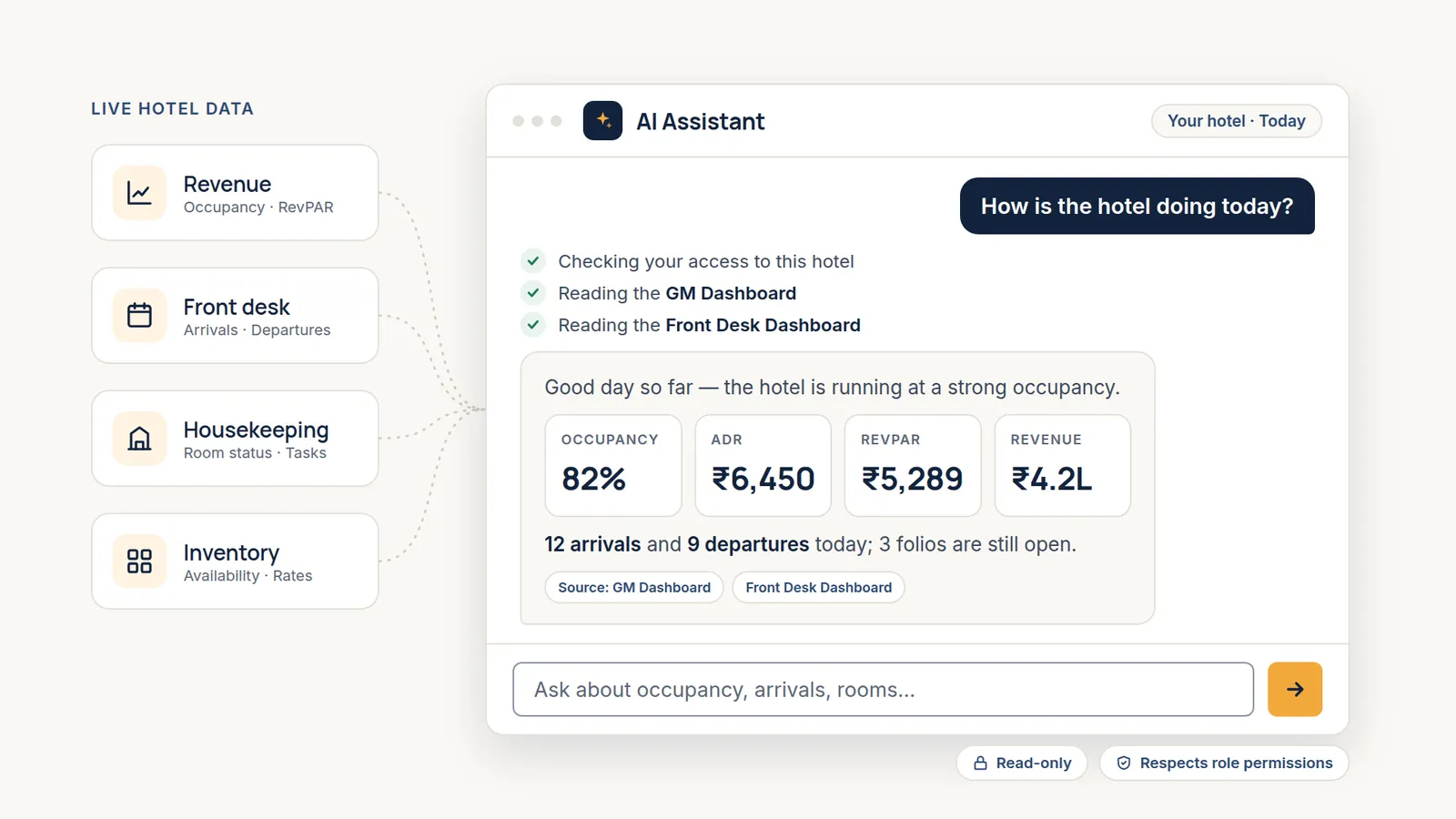
Type a question the way you'd ask a colleague. Four starter questions, such as “Which rooms still need cleaning?”, get new users going in one tap.
Occupancy, ADR (average daily rate), RevPAR (revenue per available room), revenue, arrivals, departures, open folios, room status, and today's cleaning tasks, straight from Stayligent.
Ask how many rooms are free and see each room type, day by day: sold, blocked, out of order, and available.
Ask how to check a guest in or close the day, and get the steps from the Stayligent guide, limited to the modules your role can open.
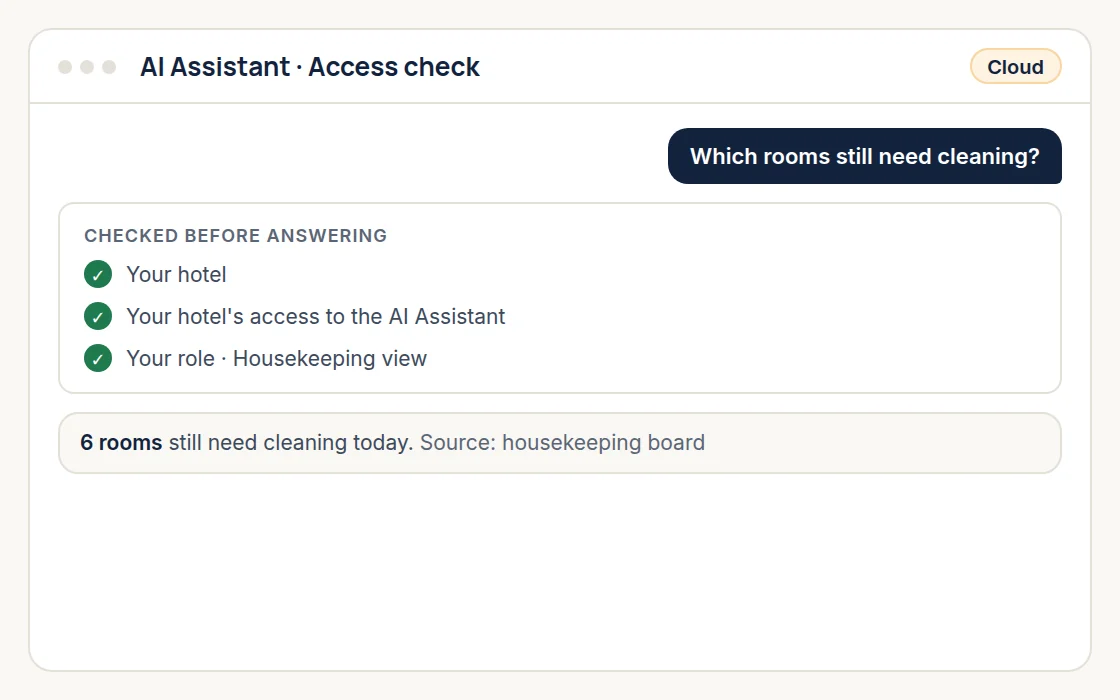
Online, the assistant answers with live figures. Offline, it answers how-to questions from the guide only, with no live figures and no usage cost.
Every answer shows the data it came from, such as the GM Dashboard or Front Desk Dashboard, so your team can check it.
The Ask me anything button sits on every page and shares one conversation with the full AI Assistant page.
It reads data and never changes it. Bookings, cancellations, check-ins, and rate changes stay in the Stayligent screens your team already uses.
Standout feature
Available on
Cloud and On-premise
Used by
Works well with
A live GM Dashboard and 15 ready-made reports, each exportable for owners and finance.
Explore →A live housekeeping dashboard and Auto-assign that shares rooms fairly across your cleaners.
Explore →Take bookings, check guests in and out, and see every room at a glance on the Room Rack.
Explore →Yes, with limited capabilities. On-premise, it runs in offline mode and answers how-to questions from the Stayligent guide. Answers from live hotel data need cloud.
Online, the assistant has full capabilities: it answers from your live hotel data and explains how to do things. Offline, its capabilities are limited to how-to answers from the Stayligent guide, with no live figures and no usage cost. Your GM switches between them.
No. It is switched on for your hotel only with your approval. Your role permissions then decide which members of your team can use it.
No. It only reads your hotel's data. If someone asks it to book, cancel, check in, or edit a rate, it explains that this must be done in the Stayligent screens.
No. It follows the same permissions as the rest of Stayligent, so each person only gets answers from data their role already has access to.
Free for 15 days on cloud. No card needed.